> ## Documentation Index
> Fetch the complete documentation index at: https://docs.lendpathway.com/llms.txt
> Use this file to discover all available pages before exploring further.
# Quickstart
> Get your account set up and parse your first deal.
## Sign in
Go to [app.lendpathway.com](https://app.lendpathway.com) to create an account or sign in.
Sign in with Google or Microsoft.
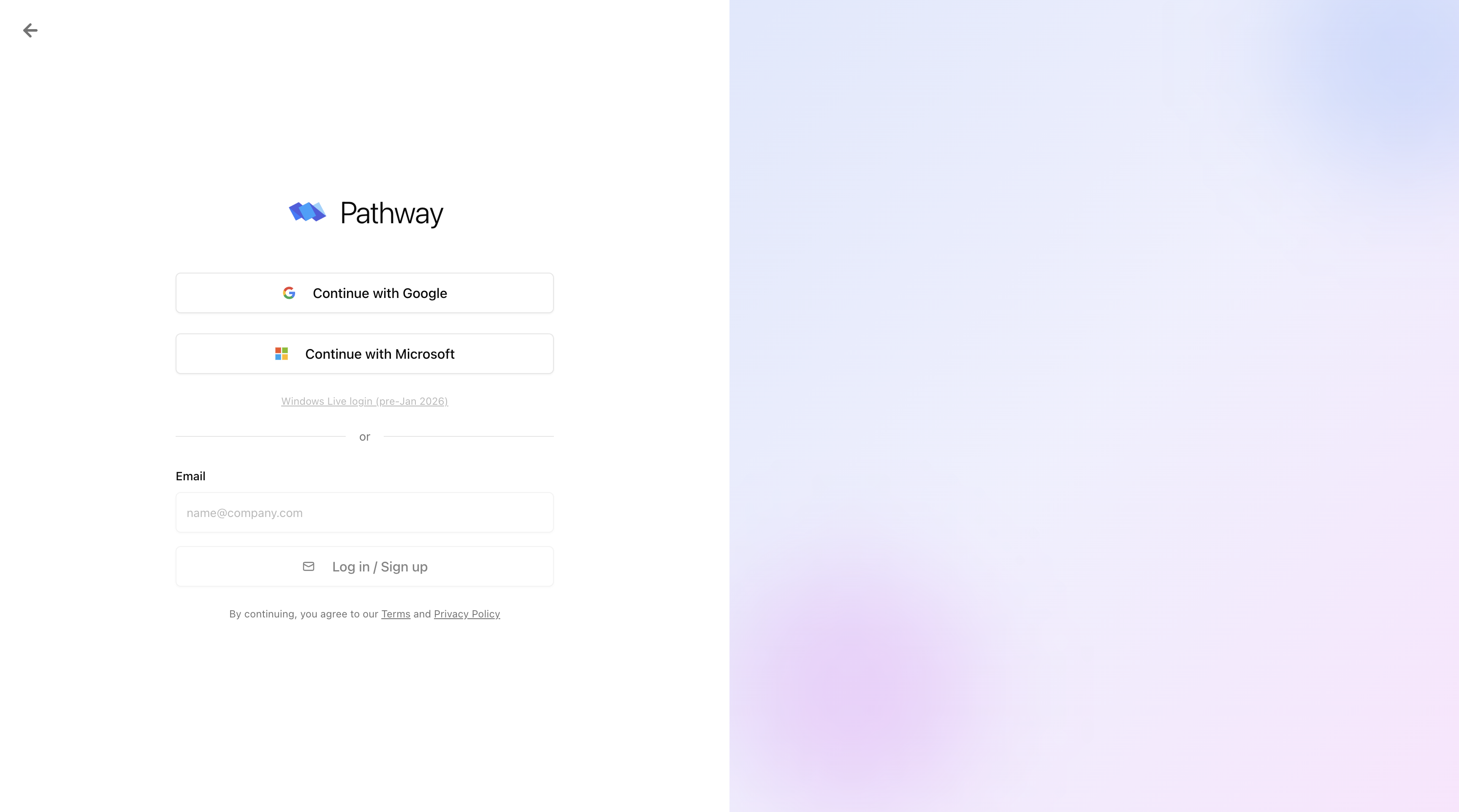
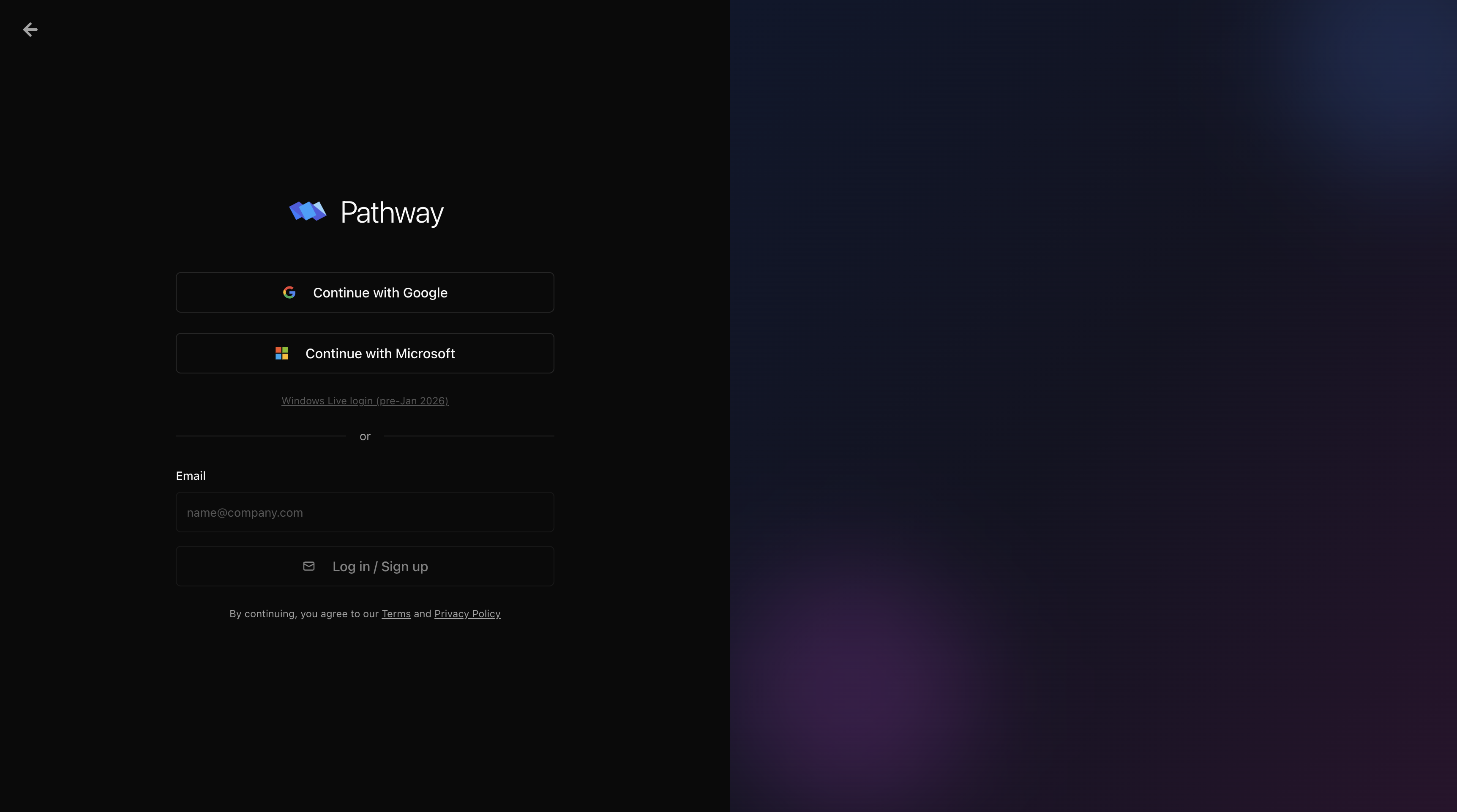 Sign in with Google or Microsoft only. Email/password login is not supported.
## Create your organization
On first sign-in, enter your company name and phone number. Your organization is the shared workspace your whole team operates from. Invite teammates from **Settings** once you're in.
Sign in with Google or Microsoft only. Email/password login is not supported.
## Create your organization
On first sign-in, enter your company name and phone number. Your organization is the shared workspace your whole team operates from. Invite teammates from **Settings** once you're in.
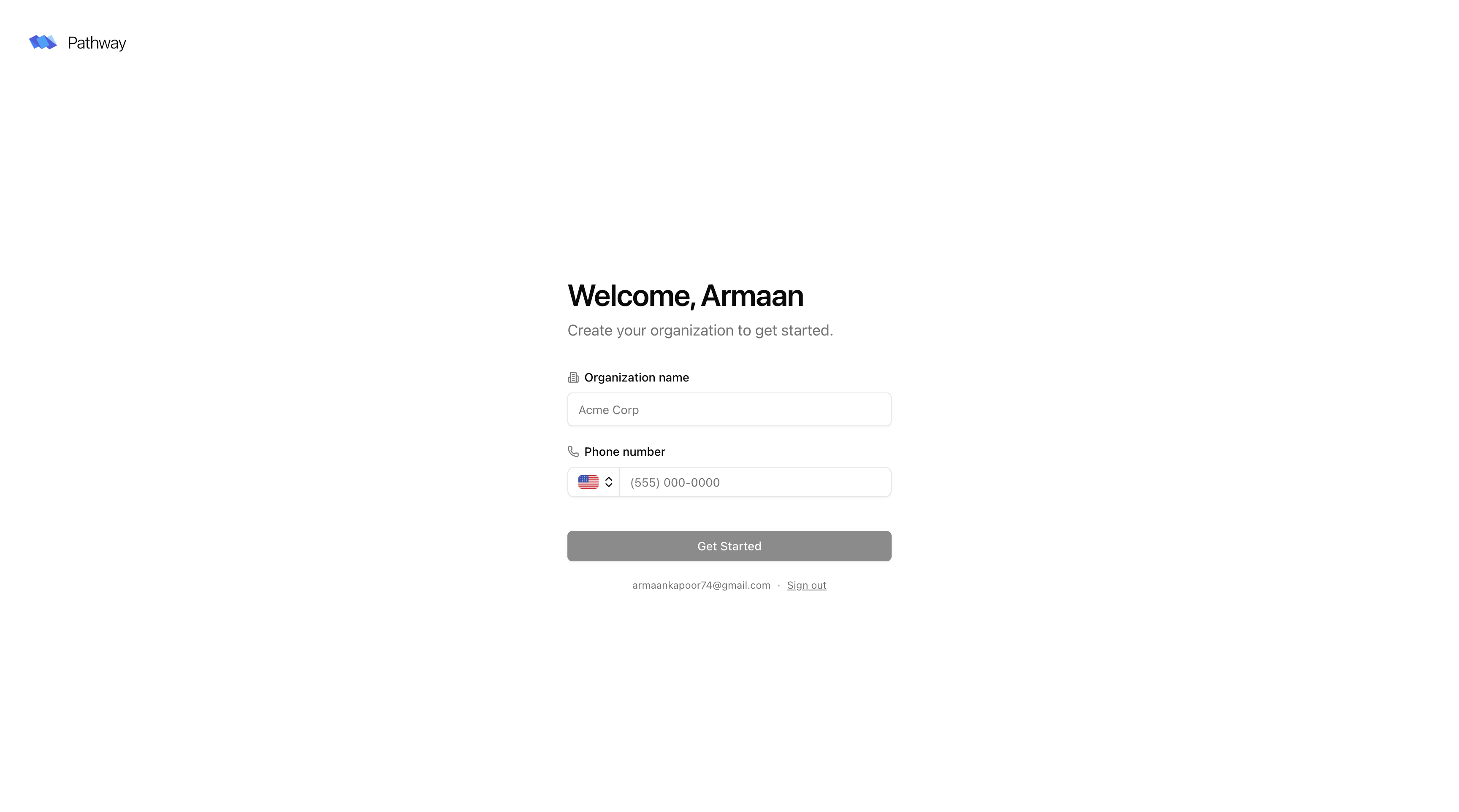
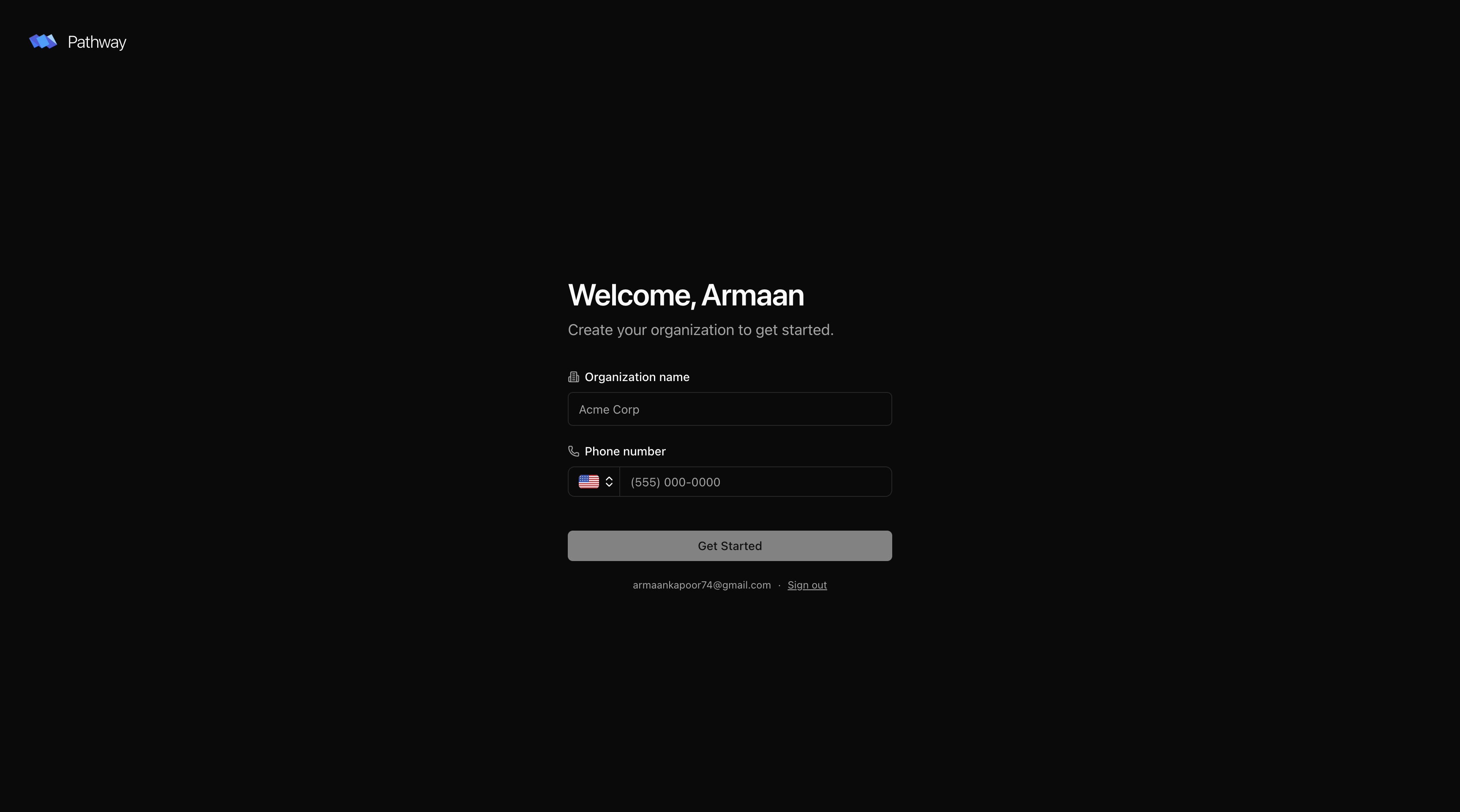 If you've been invited to an existing organization, accept the invite link from your email. You'll be added to that org without creating a new one.
## Next steps
Create a book and upload your first set of documents.
What Pathway can parse and what each document type produces.
Integrate Pathway into your pipeline programmatically.
If you've been invited to an existing organization, accept the invite link from your email. You'll be added to that org without creating a new one.
## Next steps
Create a book and upload your first set of documents.
What Pathway can parse and what each document type produces.
Integrate Pathway into your pipeline programmatically.