

Sign in
Go to app.lendpathway.com to create an account or sign in. Sign in with Google or Microsoft.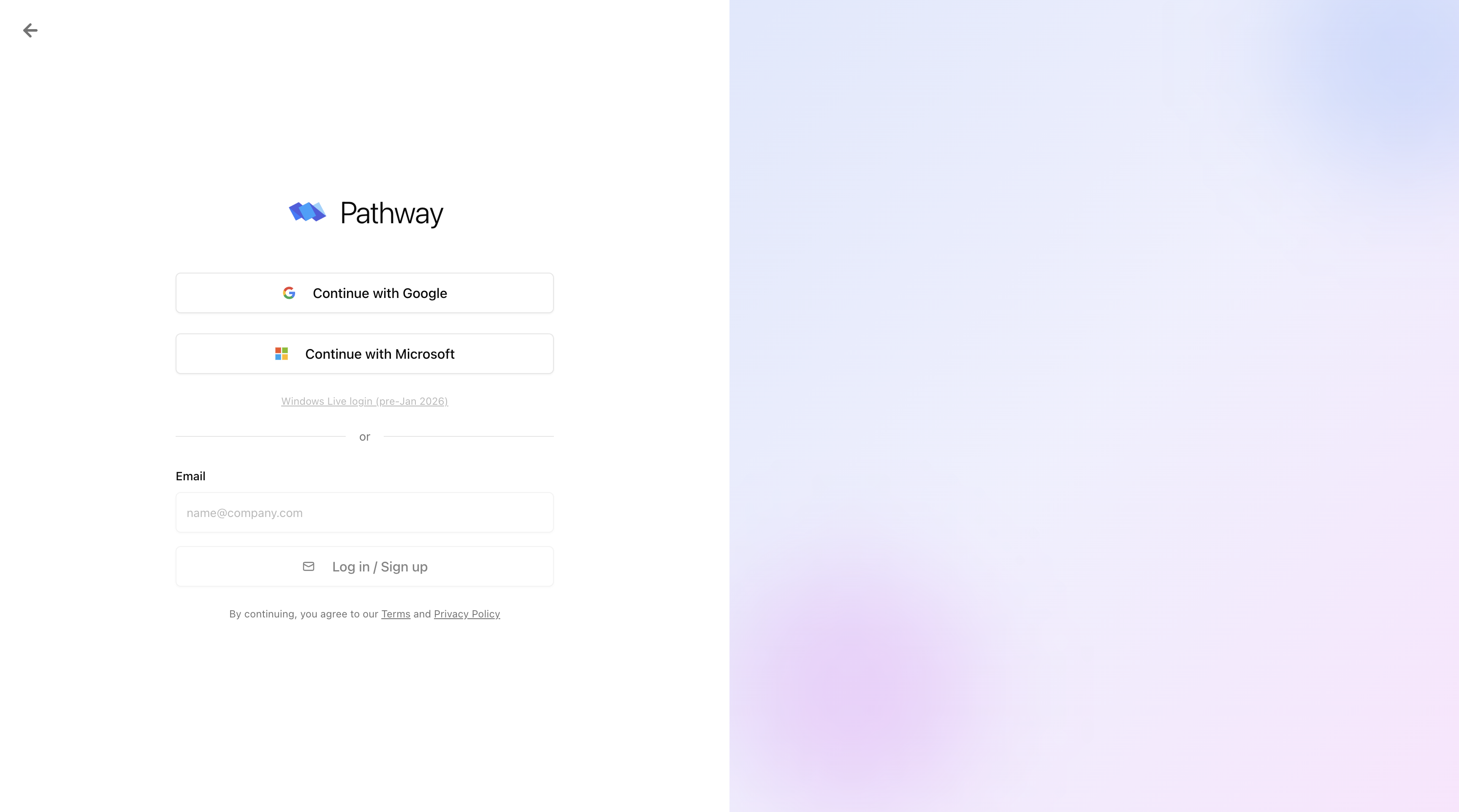
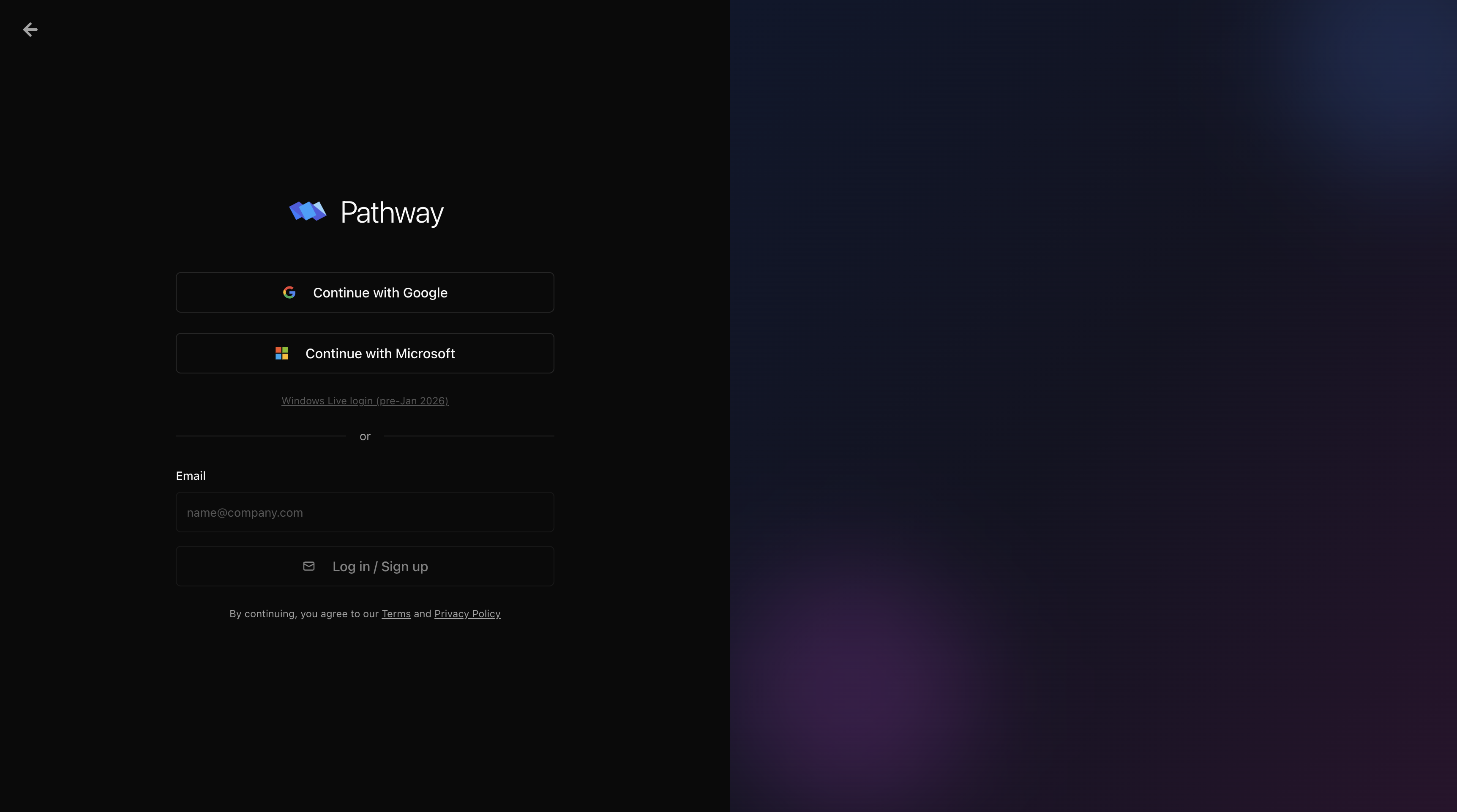
Sign in with Google or Microsoft only. Email/password login is not supported.
Create your organization
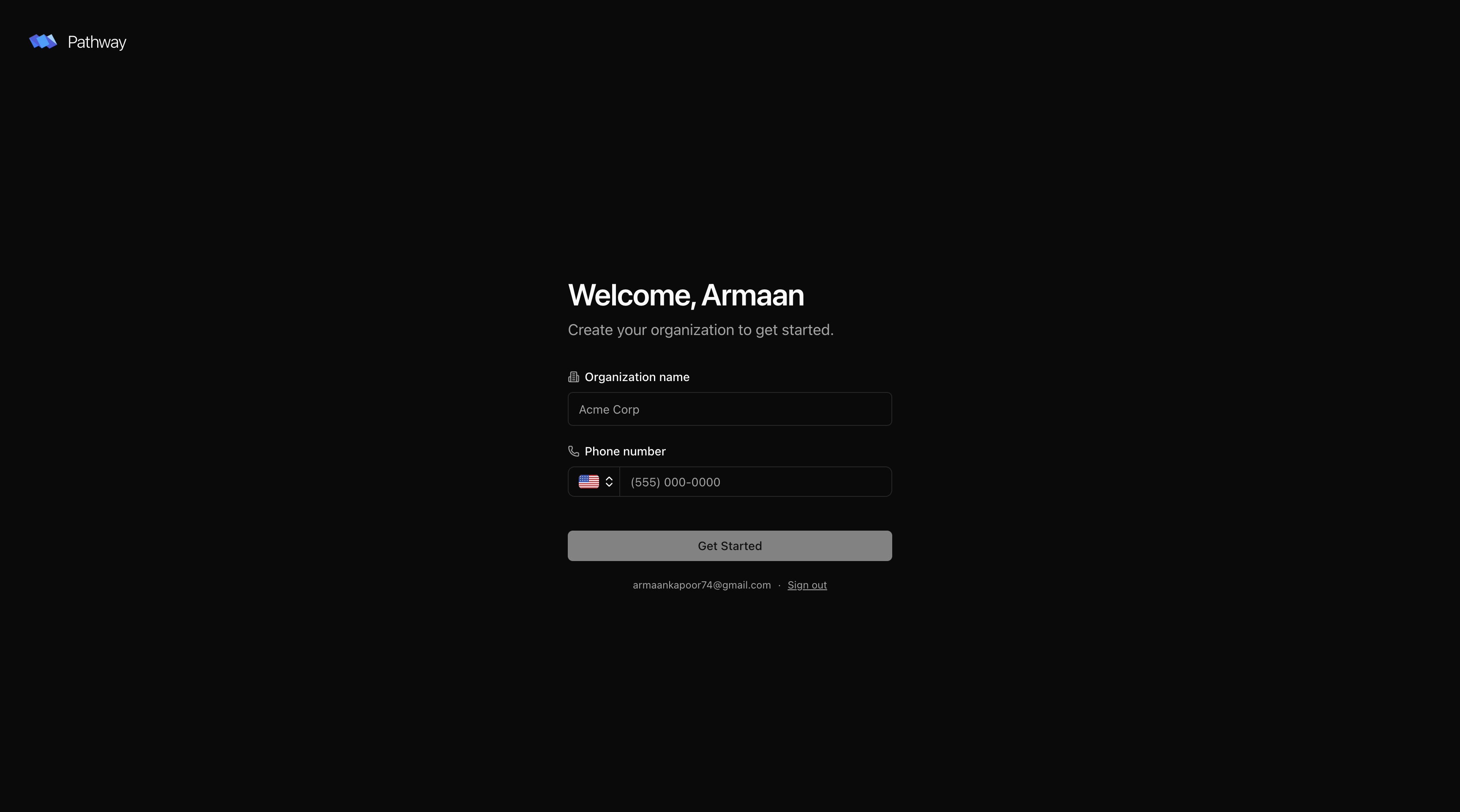
On first sign-in, enter your company name and phone number. Your organization is the shared workspace your whole team operates from. Invite teammates from Settings once you’re in.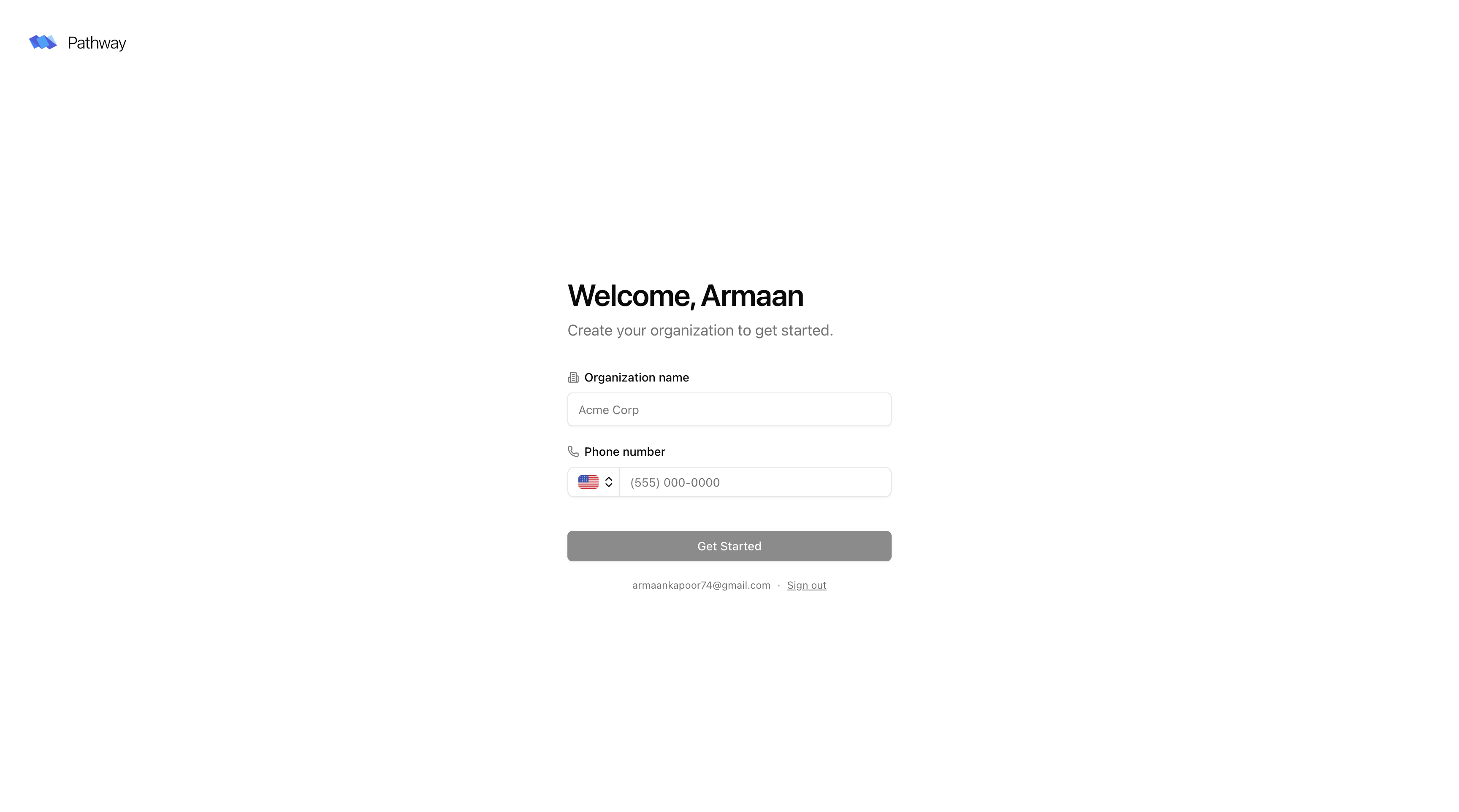
Next steps
Upload a book
Create a book and upload your first set of documents.
Platform overview
What Pathway can parse and what each document type produces.
API access
Integrate Pathway into your pipeline programmatically.