

Originators
One row per unique address that has appeared on at least one ingested message. Same “originator” the Inbox attributes each submission to. Every time the Inbox successfully ingests a message and creates a Book, the originator is upserted here: a new sender gets a fresh row, an existing sender gets theirlast_seen_at and book_count bumped. Use this page to track who’s active, spot dormant relationships, and attach notes.
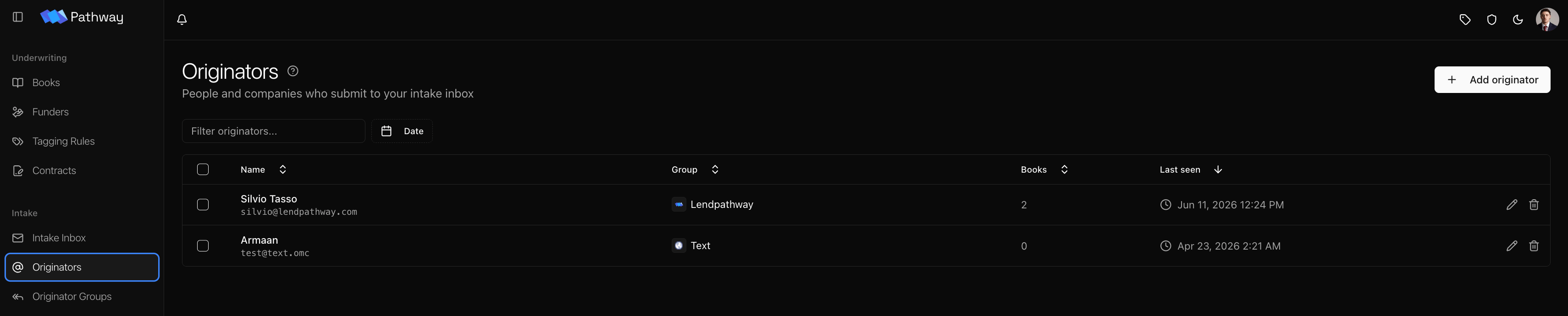
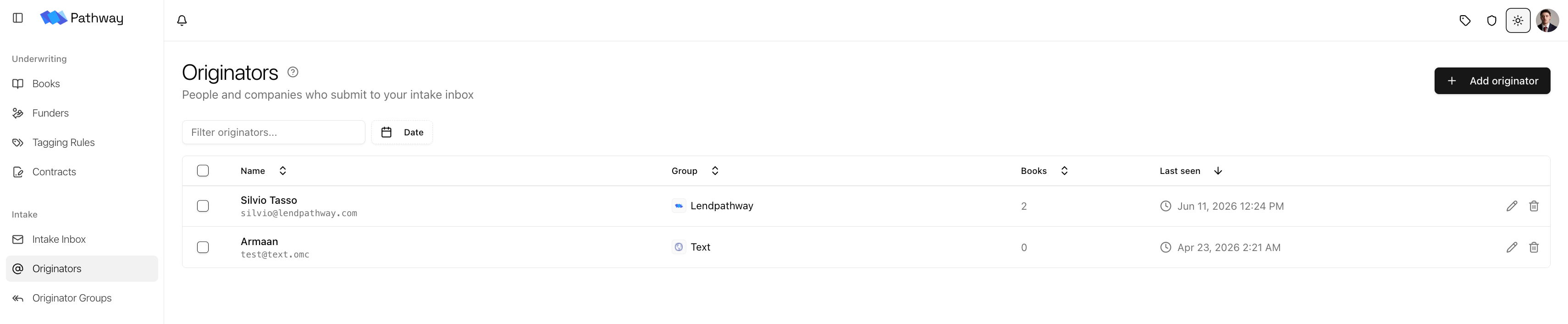
Fields
How rows get here
- Automatic. Every ingest from a whitelisted forwarder that creates a Book upserts the originator. New senders get a row; existing senders get
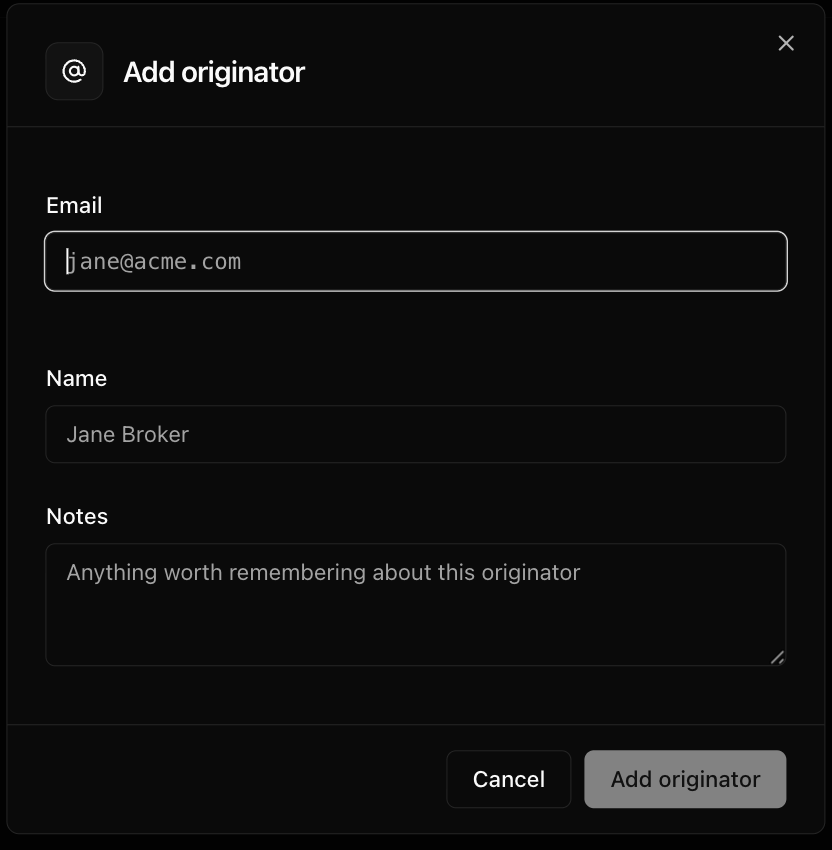
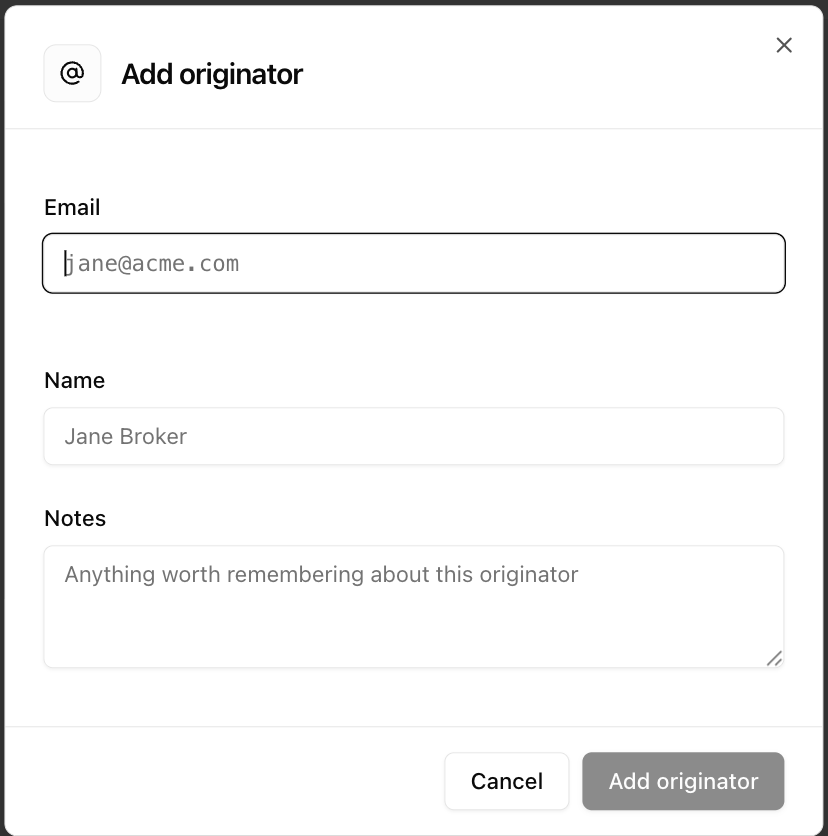
last_seen_atandbook_countbumped. - Manual. Use Add Originator to create a row in advance — useful when you know someone is about to start submitting and want their notes set up first. Their next ingested message bumps the existing row instead of creating a new one. The group is auto-assigned on first sight from whatever matcher rules exist at that moment.
What you can edit
Name and Notes are user-editable, and your edits are sticky — future ingests fill in fields that haven’t been touched but never overwrite a value you’ve already set. Group is editable per originator: pick a group to move someone, or clear it to hand the decision back to matcher rules on their next email. For whole-firm routing, edit the rules on a group instead — see Originator Groups.Email is identity, and it’s not editable. The same address always lands in the same row. To track a different address, add it as a separate originator. Addresses are lowercased, so capitalization never splits a sender — but plus-addressed variants (
name+a@ vs name+b@) are distinct rows.Delete and revival
Deleting an originator hides the row from this page. The record is soft-deleted, not removed — if that originator emails again, the next ingest revives the row with your edits intact. Use delete for senders you no longer want to manage. Historical messages and Books stay visible in the Inbox; only the rolodex row is hidden. To stop a sender from landing in the inbox at all, remove their forwarder from the Inbox allowed-senders list instead.Originator Groups
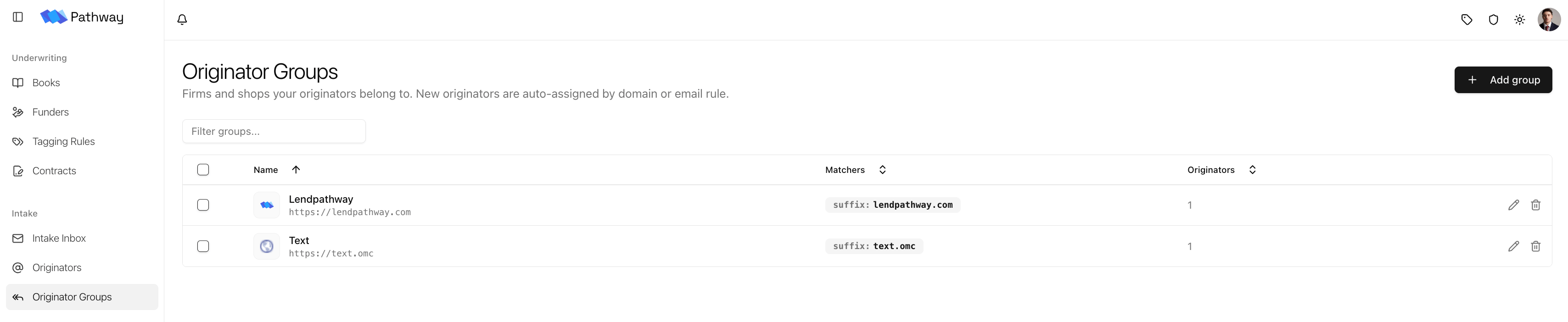
The firms and shops your originators belong to. Every originator can belong to one group; a group can have many originators. Groups give you whole-firm routing — one rule moves every current and future sender from a domain.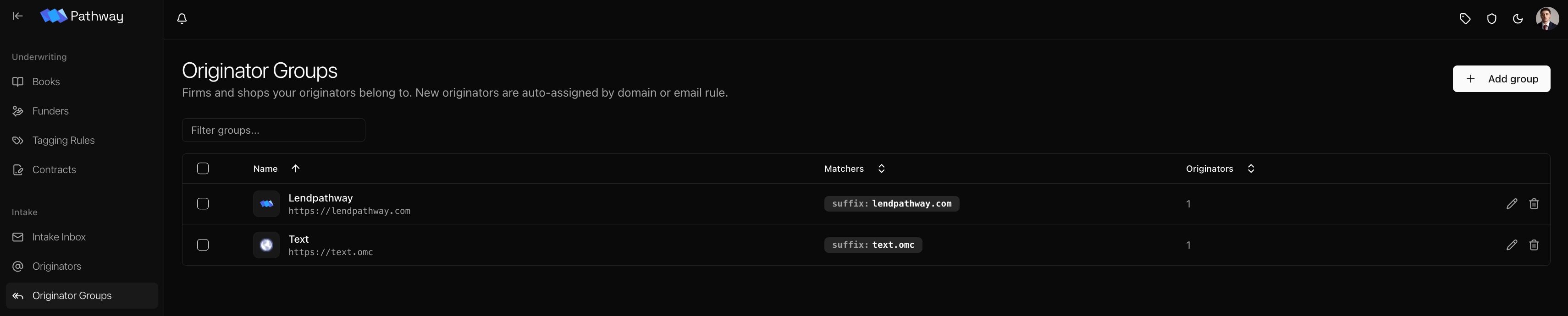
Matcher rules
Matchers decide which senders belong to a group. There are three types, evaluated in strict priority order — the first match wins:
So an exact-email rule always beats a domain rule, which always beats a suffix rule. A matcher value can only belong to one group at a time — assigning a rule that another group already claims is rejected.
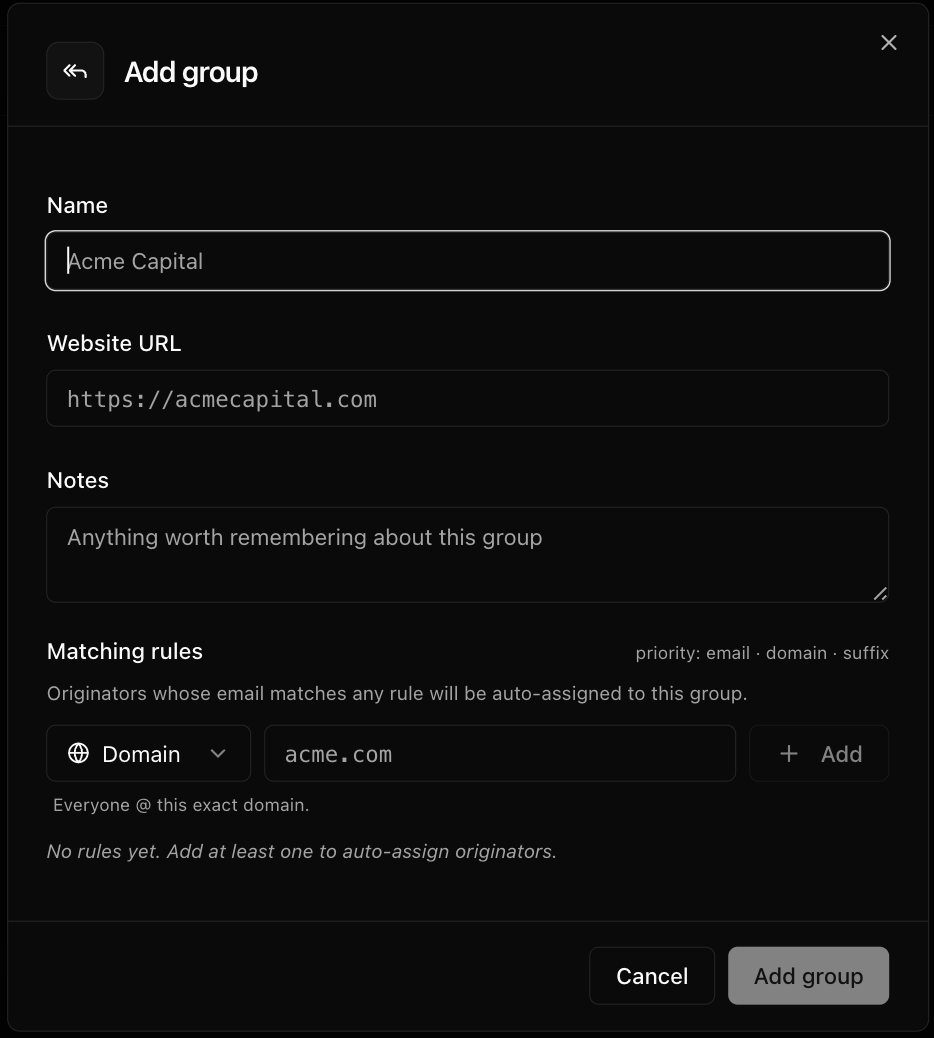
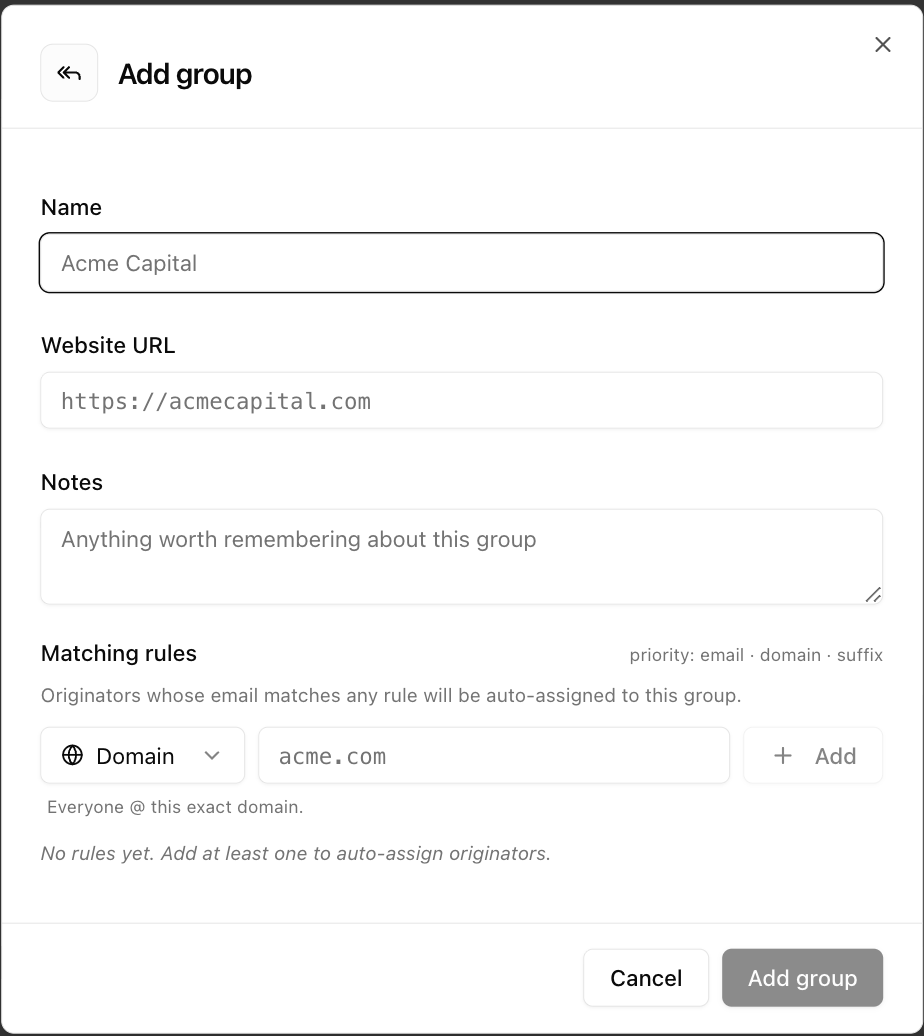
Editing a group’s matchers takes effect immediately — any currently ungrouped originator that a new rule now matches is claimed on save, not just on their next email. Already-grouped originators are left alone.
Automatic grouping
New senders are grouped on first sight without any setup:- If an existing matcher fires, the sender joins that group.
- Otherwise, Pathway auto-creates a group from the sender’s domain — named after the firm (
submissions.acmecap.com→ Acmecap), with a website and a suffix matcher claiming the root domain. Every future sender from that firm — any subdomain, any mailbox — routes there automatically. - Freemail domains never auto-group. Senders on
gmail.com,outlook.com, and the like land ungrouped, since a personal-email domain isn’t a firm.
Manual override
Set an originator’s group by hand and it sticks — ingest never overwrites a manual assignment. Clear it and the sender returns to automatic, getting re-grouped by the rules on their next email. For moving an entire firm, edit the matchers on the group rather than each sender one at a time.Deleting a group
Deleting a group soft-deletes it and ungroups its members. Its matchers stop firing immediately, and its originators are set back to ungrouped so they re-resolve naturally on their next email (or as soon as another rule claims them). Historical attribution is unaffected.How they fit together
When a message is ingested, Pathway resolves the sender to a group like this:- Match existing rules — email beats domain beats suffix; first match wins.
- No match? Auto-create a group from the sender’s domain (unless it’s freemail, in which case the sender stays ungrouped).
- Manual assignments are never touched — the resolver only ever fills a sender that has no group yet.
This page vs. all-time history. Originators reflects activity going forward, and is the source of truth for what you’re actively managing. The Inbox API exposes a separate all-time aggregate over every message ever ingested — that’s the source of truth for full historical volume per sender.